
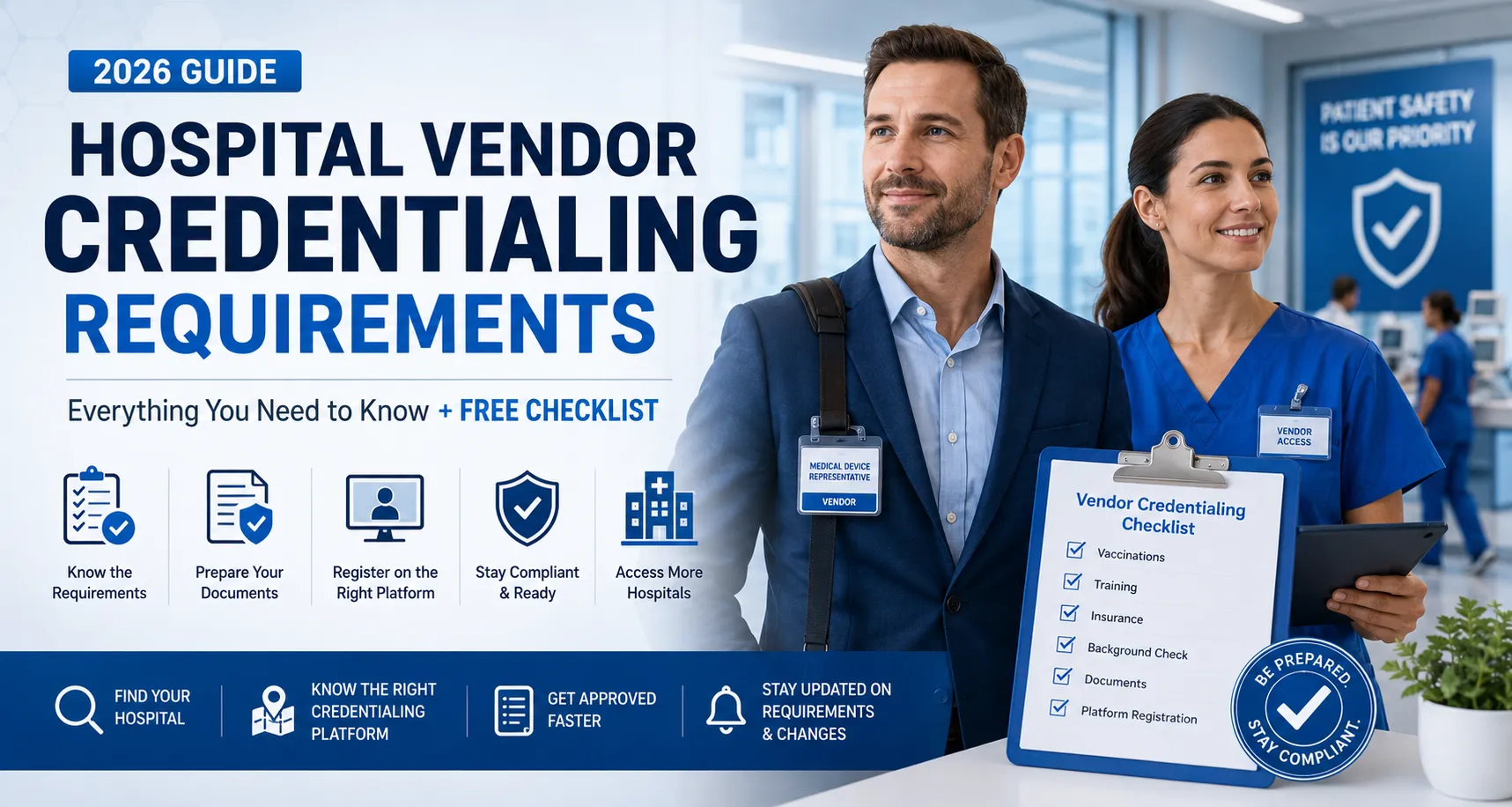
Everything medical sales reps, OR techs, and traveling nurses need to know about hospital vendor credentialing in 2026 — plus a free downloadable checklist to keep you organized.
Get the free 2026 Vendor Credentialing Checklist.
Enter your email and we’ll send you the PDF. You’ll also join the HCH mailing list — occasional updates on new credentialing platform alignments and major vendor credentialing news. Unsubscribe anytime.
What is hospital vendor credentialing?
Hospital vendor credentialing is the process hospitals use to verify that the outside reps, contractors, and clinicians walking their floors are who they say they are, are qualified to be there, and won’t put patients at risk. It’s part identity check, part background screen, part training certification, and part compliance documentation — all rolled into one digital file that the hospital can audit on demand.
It exists because of HIPAA, OSHA, infection-control protocols, and CMS Conditions of Participation — and because, frankly, hospitals have been burned. A vendor with an expired TB test or a lapsed background check is a real liability, and modern credentialing platforms exist to keep that risk visible and manageable.
Vendor credentialing is not the same as clinician (provider) credentialing — that’s a different system with different rules, primarily focused on physicians and APPs going through medical-staff offices. This guide is about the vendor side.
Who needs to be credentialed?
If your job takes you onto a hospital floor and you’re not on the hospital’s payroll, you almost certainly need to be credentialed. The most common categories:
- Medical device sales reps — by far the largest group. Anyone supporting cases in the OR, cath lab, or interventional suites needs a credential, and most hospitals require it before you can walk past the front desk.
- Pharmaceutical reps — typically with extra restrictions around clinical areas and add-on signed acknowledgments about gift policies.
- Traveling nurses, locum staff, and contract clinicians — when working through a staffing agency rather than as a hospital employee.
- IT, biomedical, and facilities contractors — anyone with floor access for service or installation.
- Researchers, students, and observers — usually with abbreviated requirements, but still credentialed.
The depth of credentialing scales with what you’re doing. An observation visit might require ID, HIPAA training, and a vaccination record. A device rep scrubbing into a procedure needs the full stack: insurance, background check, drug screen, OR-conduct training, and bloodborne pathogens certification.
The six standard requirements
Most U.S. hospitals require some combination of the same six categories. Specific platforms ask for them in slightly different ways, and individual hospitals add their own quirks, but if you have these covered you’re 90% of the way there.
1. Vaccinations and health screening. TB test or IGRA within the hospital’s window (often 12 months). MMR, varicella, Tdap. Seasonal influenza, with a declination form available in most cases. COVID-19 status varies by hospital — some still require it, others accept declination, others have moved on. Hepatitis B is required by some facilities for clinical-area access.
2. Training certificates. HIPAA, OSHA bloodborne pathogens, fire/life safety, and (for OR-bound reps) operating-room conduct or aseptic technique. Most platforms host the courses themselves; hospital-specific modules are usually completed through the platform after registration.
3. Insurance. A current Certificate of Insurance (COI) showing general liability and (where applicable) professional liability coverage at the limits the hospital requires. Aggregate limits of $1M / $3M are common minimums; some health systems require more. The COI must list the hospital or health system as a certificate holder.
4. Background check and drug screen. Both are typically run by the platform itself or an integrated screening vendor, and both renew annually. Sex-offender screening and OIG/SAM exclusion list checks are standard add-ons in 2026.
5. Documents and identification. Government-issued photo ID, an employer letter or role-confirmation document, current professional licenses or certifications, and any relevant references. Some hospitals also require an attestation letter on company letterhead.
6. Platform registration. The hospital’s chosen credentialing platform — symplr, GHX/Vendormate, Green Security, SEC³URE (IntelliCentrics), HealthTrust VPro, ProTech Compliance, O.R. Trax or True Access — needs an active account with all of the above uploaded and verified.
The major credentialing platforms
Roughly half a dozen platforms cover the vast majority of U.S. hospitals. The right one depends entirely on which hospital you’re trying to enter.
- symplr Access (formerly SEC³URE / IntelliCentrics) — the largest network.
- GHX/Vendormate — common at academic medical centers and large independent systems. See our GHX Vendormate guide for registration walk-through.
- HealthTrust VPro — the credentialing platform for HCA Healthcare and HealthTrust-affiliated facilities. Tiered structure (Tier 1, 2, 3) with extra documentation per tier. See the HealthTrust VPro guide for registration walk-through, or download the Credential Checklist PDF.
- Green Security — strong presence in regional health systems, particularly in the Midwest and Southeast.
- Reptrax — now part of symplr; legacy Reptrax accounts have been migrated.
The fastest way to know which platform a specific hospital uses is to look it up directly. Our hospital credentialing search covers nearly 18,000 U.S. hospitals, surgery centers and clinics — find the facility you’re targeting and you’ll see its platform plus a registration link.
Want a deeper side-by-side comparison of platforms? See our full vendor credentialing platforms compared — pricing, network size, approval times, and standout features for each.
The credentialing process, step by step
- Identify which platforms your target hospitals require. Start with the hospitals you actually visit, not a comprehensive list. One platform per hospital is the norm; some health systems require two.
- Gather your documents in advance. This is what the free checklist is for — get everything labeled and in one folder before you log into the platform.
- Create your platform account and pay registration fees. Fees vary by platform: Green Security publishes $125–$275, GHX/Vendormate $305–$415, HealthTrust VPro $399 and symplr Access $550–$599 a year.
- Complete the required training modules. HIPAA, OSHA, and platform-specific courses. Most can be done in 60–90 minutes total per platform.
- Upload documentation and wait for verification. Same-day approvals are increasingly common with symplr Access; GHX/Vendormate and others typically run 24–72 hours; some hospital-specific add-ons take 1–2 weeks.
- Schedule your first hospital visit. Most platforms require check-in via app or kiosk; some now use the symplr Access Smart Badge for instant entry.
- Track expirations and renew on time. Most credentials are annual. Letting one item lapse can lock you out of every hospital on that platform until it’s resolved.
Five common pitfalls
Underestimating the timeline. “Two days” is the brochure answer. Reality is often two to four weeks once you factor in background-check turnaround, hospital-specific add-ons, and document-verification queues. Plan accordingly.
Letting one item lapse. Platforms operate on all-or-nothing logic. An expired TB test can lock you out of every hospital on that platform — not just the one that flagged it. Set calendar reminders 60 days out from every expiration.
Ignoring hospital-specific add-ons. Two hospitals on the same platform can require completely different supplemental modules — vendor-conduct policies, gift-disclosure attestations, badge-photo updates. Always check the hospital page before assuming you’re done.
Background-check delays. Out-of-state addresses, name changes, international elements, and military service all extend background-check windows. If any of these apply to you, kick off your screening 4–6 weeks before you need access.
Insurance coverage gaps. Sub-contracted reps and 1099 reps often discover at the worst possible moment that their parent company’s COI doesn’t extend to them personally. Confirm coverage in writing with your employer or carrier before relying on it.
What’s changing in 2026
The vendor-credentialing landscape is moving toward continuous compliance and away from once-a-year renewal cycles. A few specific developments worth tracking:
symplr Access Smart Badge launched at ViVE 2026. The mobile app syncs check-ins directly to a smart badge for instant entry at any approved hospital entrance. 24-hour approval cycles are now the published standard for new vendor onboarding on the platform. Compliance status is monitored in real time rather than verified annually.
AI-driven document processing. symplr and other vendors announced AI-powered document intake and verification at ViVE 2026 — automatic extraction of expiration dates, automatic renewal alerts, primary-source verification against licensing boards in real time. Practical effect: fewer manual chase-ups, but also less tolerance for stale documentation.
Continuous monitoring is the new baseline. OIG exclusion list and SAM screening are now run on rolling automated cycles by most major platforms rather than annually. If a sanction shows up against you mid-cycle, you’ll know the same week, not at next renewal.
Frequently asked questions
How long does hospital vendor credentialing take?
The brochure answer is “a few days.” Reality is typically two to four weeks from the day you start. Background-check turnaround is the biggest variable — a clean, in-state file can clear in 48 hours; out-of-state addresses, name changes, or international history can push it to four to six weeks. Hospital-specific add-on modules and document verification queues add additional time on top of platform onboarding.
How much does vendor credentialing cost?
On published 2026 prices: Green Security $125 a year for Level 2A non-clinical access and $275 for Level 2B or Level 3; GHX/Vendormate $305 for up to five health systems, rising to $415; HealthTrust VPro $399; symplr Access $550 to $599 depending on how fast you need credentials processed. SEC³URE, ProTech Compliance, O.R. Trax and True Access charge reps but do not publish what. Add-ons such as Green Security’s $125 Smart Badge sit on top. A rep needing the four platforms that publish prices is looking at roughly $1,529 a year, and $1,800–$2,000 once add-ons and higher tiers are in.
Do I need to credential separately for each hospital?
Within the same platform, usually no — but most hospitals add facility-specific modules on top of the base credential. So if you visit five hospitals on symplr Access, you typically have one base credential plus five sets of hospital-specific add-ons. Across different platforms (symplr at one hospital, GHX/Vendormate at another), you need a full credential on each platform.
What happens if my credentials expire?
Most credentialing platforms operate on all-or-nothing logic — one expired item (TB test, COI, background check) can lock you out of every hospital on that platform until it’s resolved, not just the one that flagged the lapse. Renewals are usually annual; set calendar reminders 60 days before each expiration to avoid mid-week access denials.
Is vendor credentialing the same as clinician credentialing?
No. Clinician (provider) credentialing is the process hospitals use to verify physicians and advanced-practice providers through the medical-staff office, with its own bylaws and review committees. Vendor credentialing applies to non-employee floor access — sales reps, contractors, and traveling clinicians working through staffing agencies. Different systems, different rules, different paperwork.
Can I get credentialed without an employer sponsor?
For most platforms, yes — but you’ll need an attestation letter on company letterhead confirming your role and authorization to represent the products you support. 1099 reps and sub-contractors should confirm in writing that their parent company’s Certificate of Insurance extends to them personally before relying on it for hospital access.
Get the free checklist
Download the 2026 Vendor Credentialing Checklist (PDF) — a print-friendly two-page reference covering all six requirement categories, with platform-specific add-on prompts, expiration tracking columns, and links to the templates you’ll need.
Enter your email below. You’ll also join the HCH mailing list, where we share occasional updates on new credentialing platform alignments and major vendor credentialing news. Unsubscribe anytime.
A note for healthcare professionals on the road
Credentialing is the paperwork. The actual work — long shifts in observation, hours on your feet in the OR, the drive in at five and the drive back at nine — has its own toll, and it’s the part nobody hands you a checklist for.
Our sister project, Pure Heat Retreat, publishes a recovery guide written specifically for medical sales reps, OR techs, and traveling nurses — home saunas and cold plunges, what to look for, and what to skip. It’s a free PDF, written by the same team behind HCH.
Related reading
- Vendor credentialing platforms compared
- Vendor Credentialing Resources, Forms & Templates
- Search hospitals by state
- GHX Vendormate registration guide
- Trusted credentialing partners
Hospital Credentialing Hub is an independent resource and is not affiliated with or endorsed by any hospital or credentialing agency. While we strive to keep information accurate and up to date, users should always confirm requirements directly with their hospital or credentialing agency.
Hiring or job-hunting in medical-device sales, OR/surgical, travel nursing, or credentialing & compliance? Browse current openings on the HCH Jobs Board →
Requirement deep-dive: Flu shot requirements & vaccine declination forms for hospital credentialing — what counts as proof, how declinations work, and where to get the current forms.
More requirement deep-dives: HIPAA training · bloodborne pathogens training · background checks & drug testing · immunizations, titers & TB tests.